

App settings
The  button on the home screen opens Settings.
Code Editor
- Enable Autocomplete, suggests GScript as you type.
- Show Suggestion List, shows those suggestions as a dropdown. Turn it off if the popup gets in the way.
Visual Editor
- Enable Drag to Reorder, lets you drag actions, variables and settings into a new order. Off by default.
Templates
- Upload Template. Add your own images for from your gallery, rather than capturing them on screen.
- Isolate Templates Per Macro, keeps each macro's templates separate. On by default.
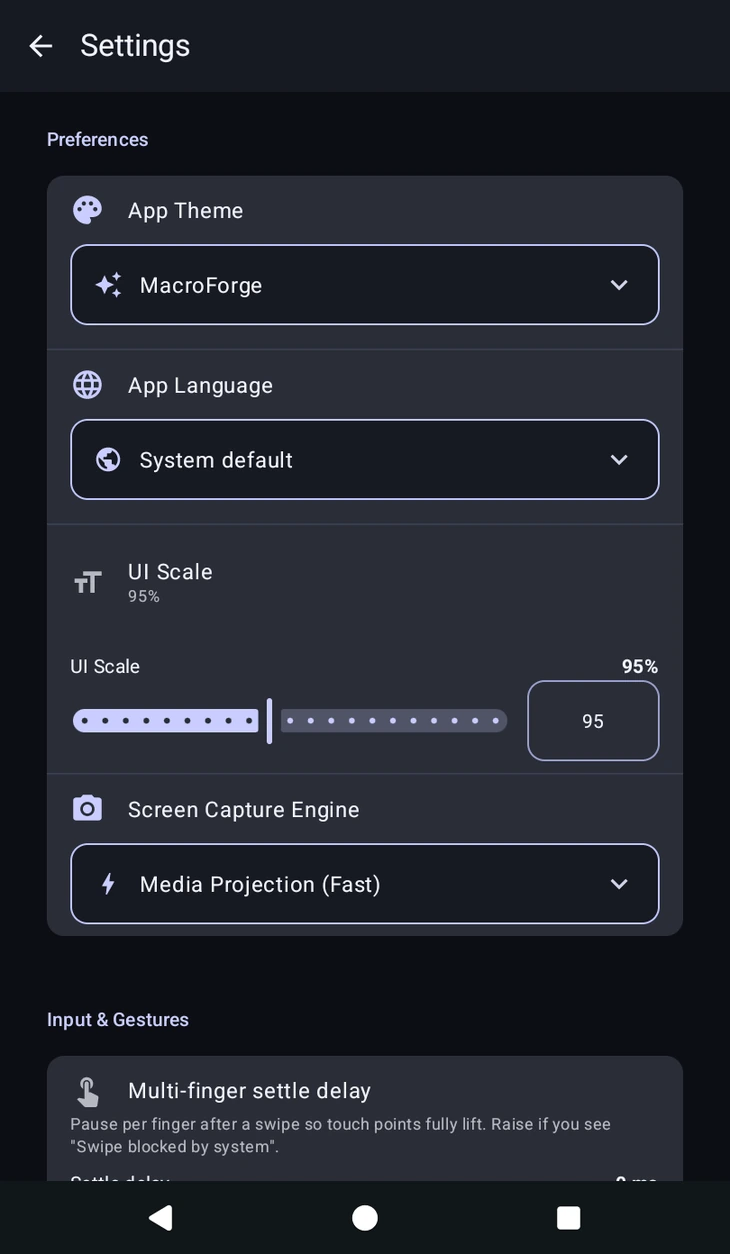
Preferences
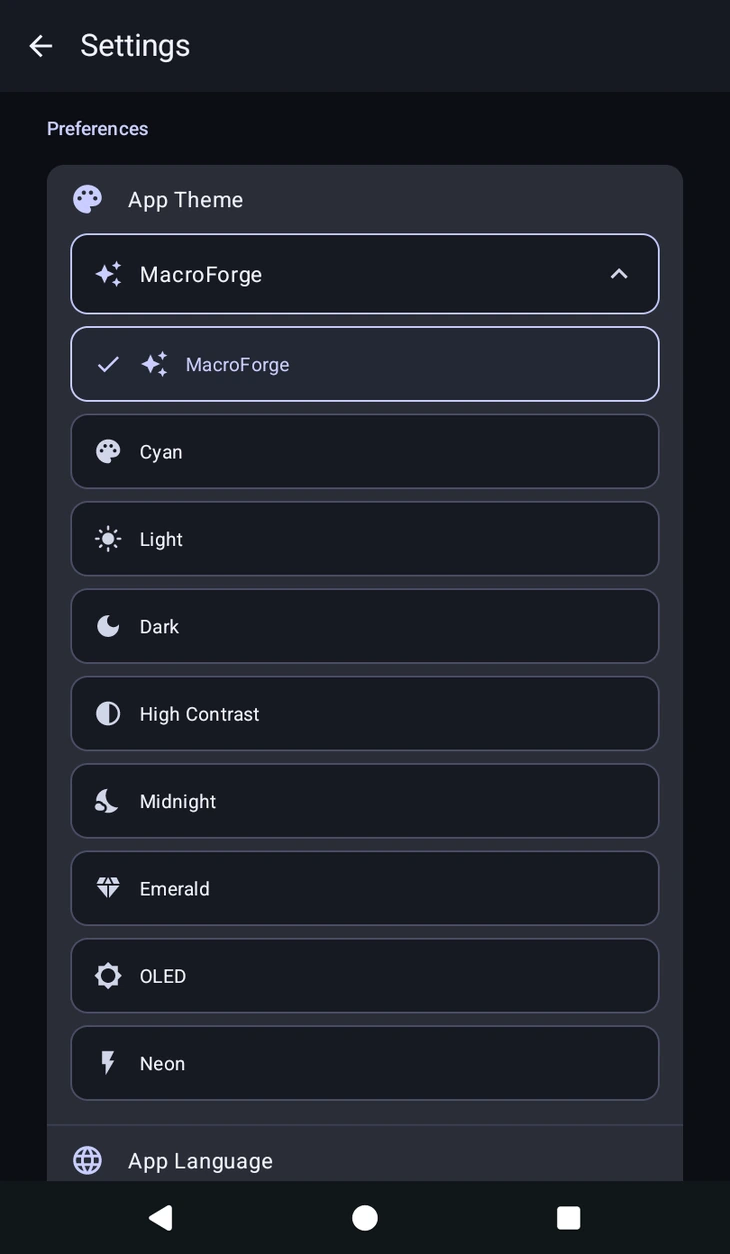
- App Theme, how the app looks. Nine of them: MacroForge (the default), Light, Dark, Cyan, Neon, Midnight, Emerald, OLED and High Contrast. OLED uses true black, which saves battery on OLED screens, and High Contrast is the easiest to read.
- Haptic feedback, a short vibration when you flip a switch, drag a slider or pick an option. On by default.
- App Language, the language the app is shown in. It changes the interface only; your macros, action names and variable names stay as you wrote them.
- UI Scale, makes the editor overlay bigger or smaller. Useful on tablets, and on phones where the config panels feel cramped.
- Multi-finger settle delay, under Input & Gestures. How long to wait for multi-finger gestures to settle. Leave it alone unless multi-touch swipes are misfiring on your device.
Screen Capture Engine
How MacroForge reads the screen for , and every other action that looks at pixels.
- Media Projection. High speed, up to 60 FPS. Android requires you to approve a screen share prompt each time capture starts, so you will see that dialog when a macro begins.
- Accessibility. Slower, roughly 200ms per frame, but there are no screen share prompts at all, it uses less battery, and it keeps working on the lock screen.
Use Media Projection when a macro checks the screen rapidly. Use Accessibility for long unattended runs, for macros that must keep working with the screen locked, or to avoid the prompt. Macros behave the same on either.
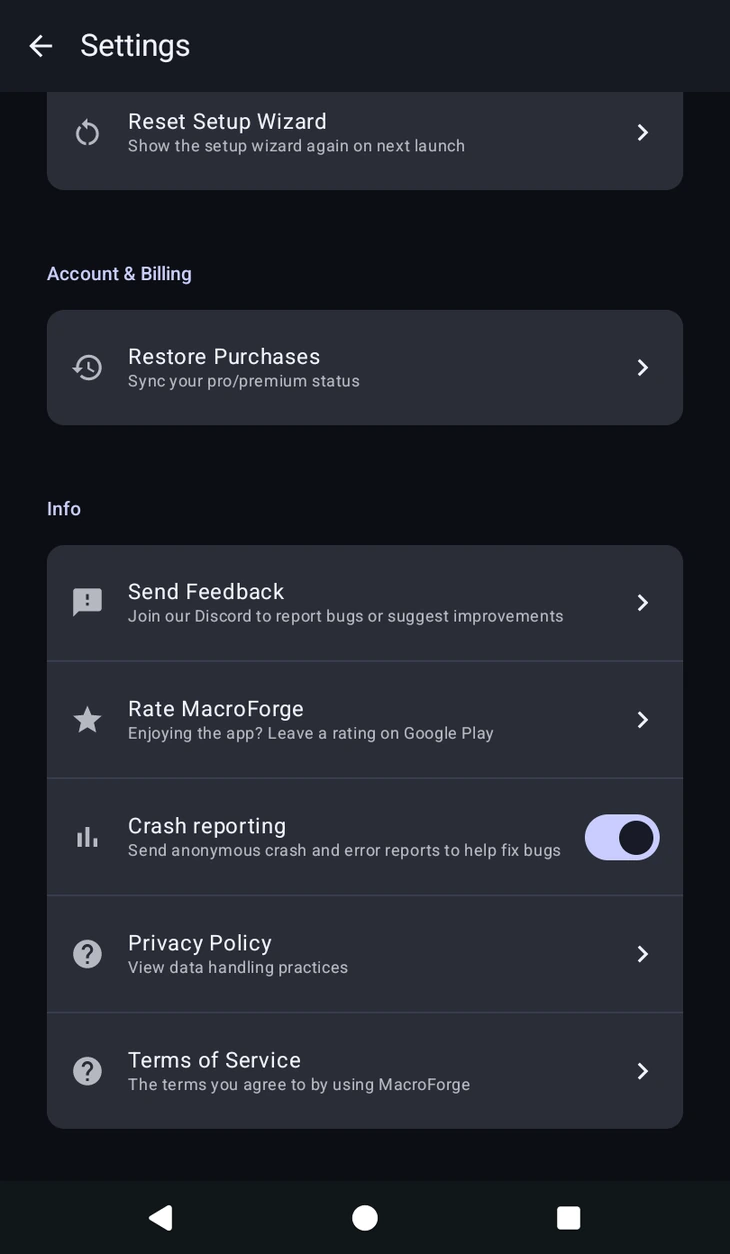
Permissions, account and info
Permissions shows the state of the Accessibility Service and Draw Over Other Apps, with a way back to the system screens if either gets revoked. Account & Billing holds Restore Purchases. Further down you will find the Privacy Policy and Terms, Send Feedback, a link to the Discord for bugs and suggestions, an anonymous crash reporting toggle, Rate MacroForge, and Reset Setup Wizard, which shows the again on next launch.
On a free account there is also Ad privacy choices, which reopens the advertising consent form so you can review or change what you agreed to. It is hidden on Pro and above.