

Discover & the store
The Discover tab on the home screen opens the community store, with macros other people have published.
Search across both macros and creators from the box at the top, and re-order the list with the sort control on the right (Trending by default). Each card shows the macro's name, a one-line summary, its rating, how many installs it has, and when it was last updated.
Installing a macro
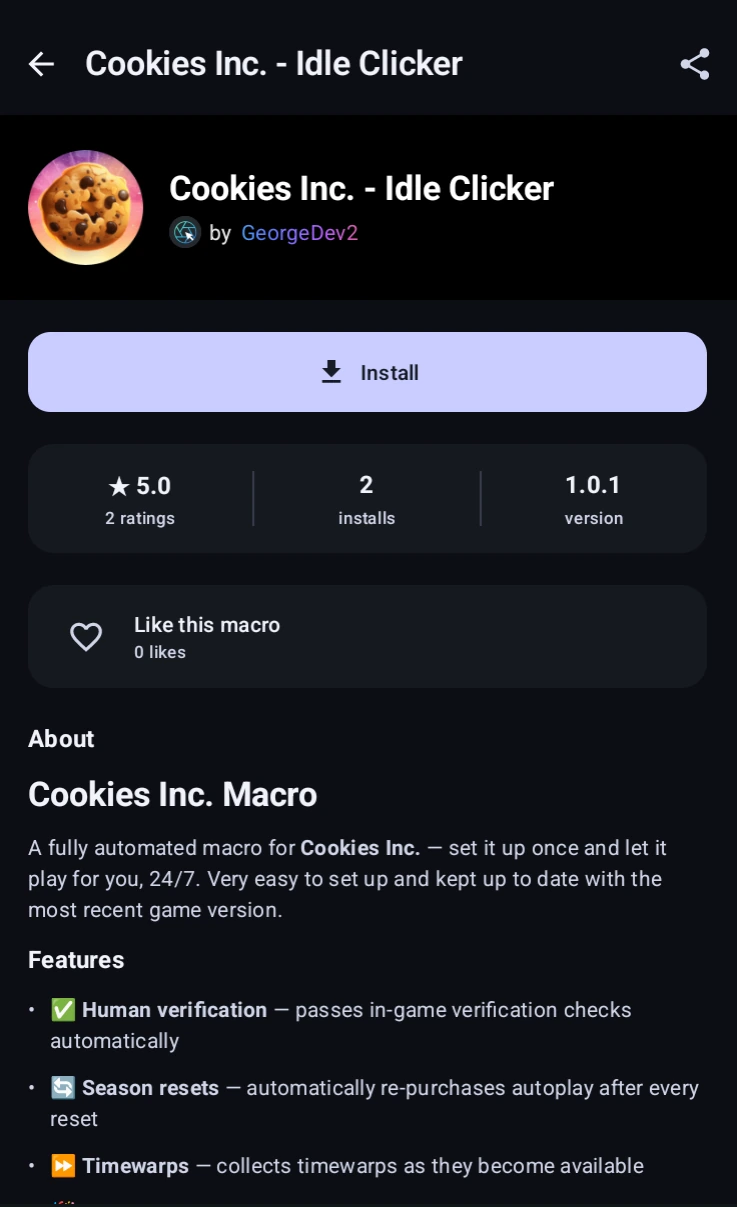
A listing shows who made it, its rating and install count, the version, and the creator's description. Install adds it to your macro list.
You need an account to install. Like this macro helps the listing rank higher under Trending.
- Run it only. The macro cannot be opened.
- Read it. You can open it and see how it works, but not change anything.
- Edit their own copy. You can change your installed copy, but a creator's update replaces it.
Report bugs in a community macro to its creator on Discord, not to us. The  Report this macro is for malware, inappropriate content, or a listing that is not what it claims; those reports go to our moderators.
Before your first install the app warns you that community macros are made by other users, and that automating a third-party game may break that game's rules.
Paid macros
Some listings are paid. They are bought once through Google Play, at one of five prices from roughly 3 to 30 US dollars, shown in your own currency.
A purchase belongs to your account, so it carries over to a new phone and survives uninstalling. You keep it even if the creator removes the listing.
- Free edition. Many paid listings include a free, cut-down version. Try it first.
- What buyers get lists what the paid version adds over the free one.
- Owned, the filter chip beside the sort control, narrows the store to what you have bought, including anything that has since left the store and can no longer be found by searching.
A paid macro needs an internet connection to start, because MacroForge checks that you still own it. Free community macros work offline.
Buying a macro does not lift the free plan's . Pro does.
Refunds go through Google Play under its refund policy.
Ratings & reviews
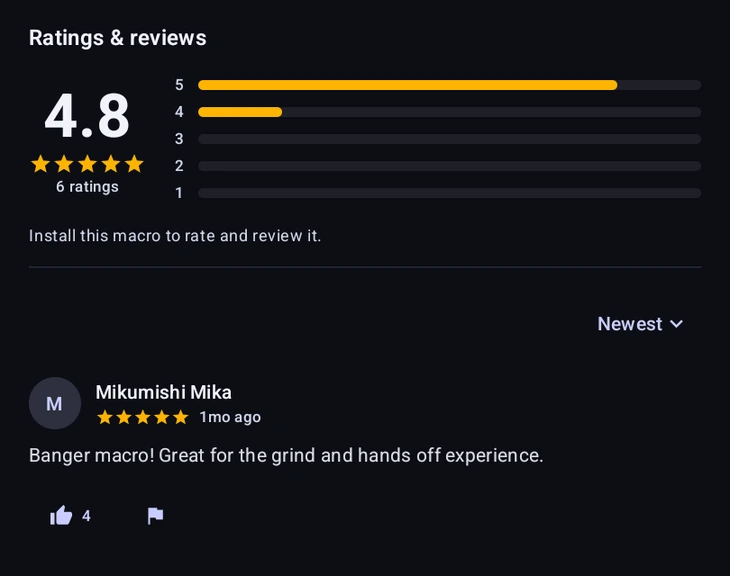
Under every listing is Ratings & reviews. You can only review a macro you have installed.
- Rate this macro gives one to five stars, and text is optional on top.
- You can edit or delete your own review afterwards; edited ones are marked.
- Helpful pushes a useful review up for the next person.
- Creators can Respond to a review; the reply shows under it, labelled as the creator.
- Reviews and replies can be reported, for spam, offensive content or being off-topic.
Sharing a listing
Copy share link on a listing gives you a macroforge.net/m/… link to a web page for that macro.